
EqualAudit Home - AODA Compliance Audits & Technical Remediation
Web AccessibilityKeyboard NavigationInclusive DesignWCAG 2.2

Quick Test: Try Using Your Website Without a Mouse

EA
EqualAudit
1 min read
Quick Test: Try Using Your Website Without a Mouse

If you get stuck navigating without a mouse... so do your users. Keyboard navigation is essential for accessibility, usability, and better UX overall.

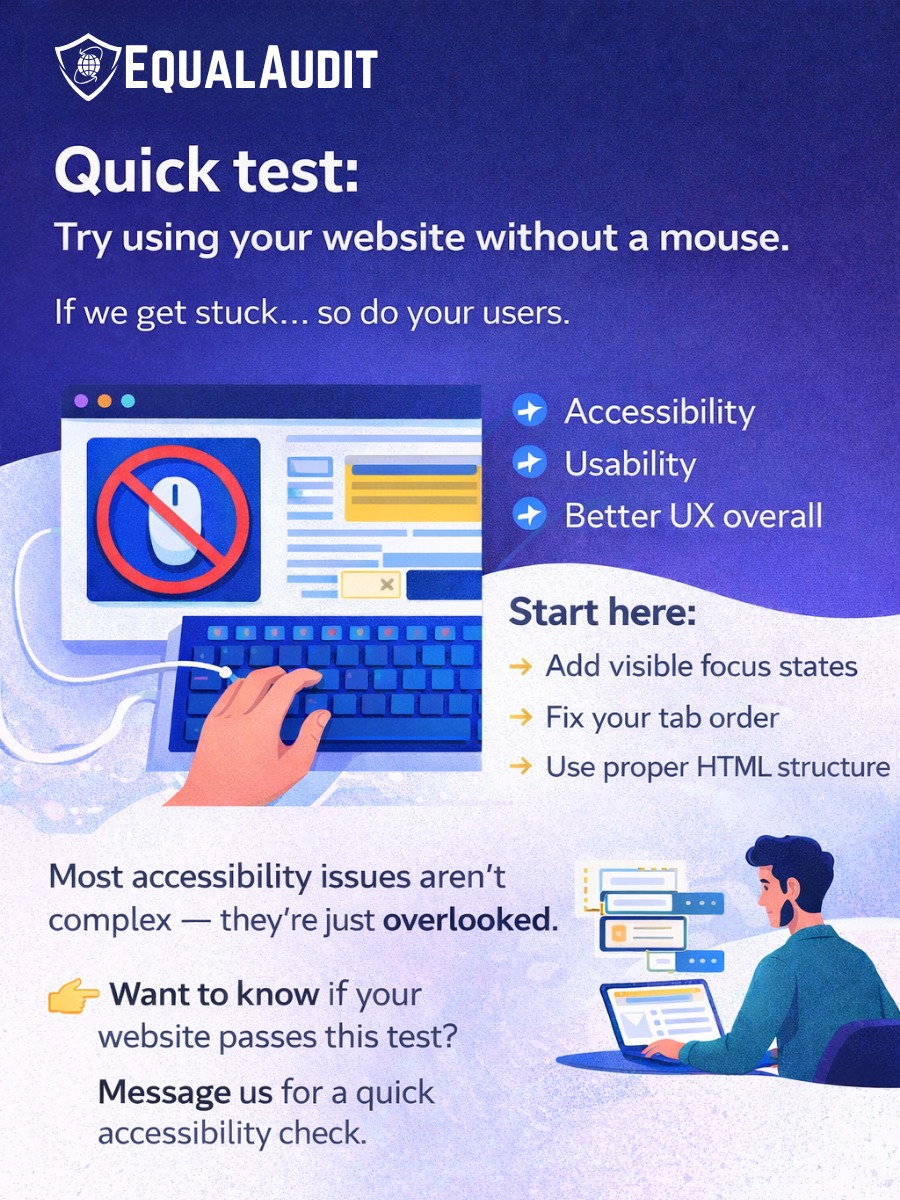
EqualAudit Quick Test Infographic

Quick test:

Try using your website without a mouse.

If you get stuck... so do your users.

Keyboard navigation is essential for:

  • Accessibility
  • Usability
  • Better UX overall

Start here:

  • Add visible focus states
  • Fix your tab order
  • Use proper HTML structure

Most accessibility issues aren't complex — they're just overlooked.

👉 Want to know if your website passes this test? Message equalaudit.com for a quick accessibility check.

The Unplugged Mouse Test: Is Your Website Actually Accessible?

Want to know if your website is truly accessible? Unplug your mouse and try to submit your contact form using only Tab, Shift+Tab, and Enter. If you lose track of your place, you're missing focus states—and likely violating WCAG 2.2.

Accessibility Is a Revenue Strategy, Not a Charity Project

People with disabilities in Canada control an estimated $55 billion in annual purchasing power. If your checkout flow traps keyboard users, you're not just failing an audit—you're actively turning away paying customers at the exact moment they want to give you their money.